

YOUR MINECRAFT TOOLBOX
Skin editor
Pick a skin, make it yours and download the PNG. Free and entirely in your browser.
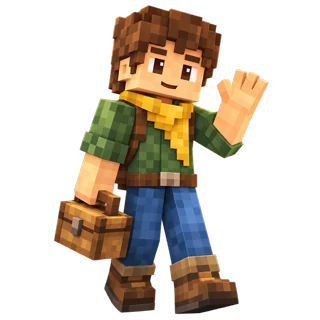
Your Minecraft look
3D is unavailable in this browser. You can still colour the pixel map and download your skin.
Click or drag on your character to colour. Choose Rotate to see the other sides.
Getting your character ready…
✓ Your skin stays in this browser. We receive or store none of your files.
How do I use my skin in Minecraft?
Java Edition: open the Minecraft Launcher → Skins → New skin. Select your PNG and the same arm shape, then save and use it.
Bedrock on Windows or mobile: open the Dressing Room, choose a classic skin and import your PNG. File import is not available on every platform.
Minecraft’s skin guide ↗